Affiliate Marketing on Instagram and TikTok: The 7-Day Link in Bio Test
Followers but no income yet? Put your affiliate links on one page, post for a week, and let taps and sales show what your audience wants.
Brand deals, your own products, UGC and subscriptions all pay. Affiliate links are the low-risk start: no stock, no brand to approve you.
The 7-day test
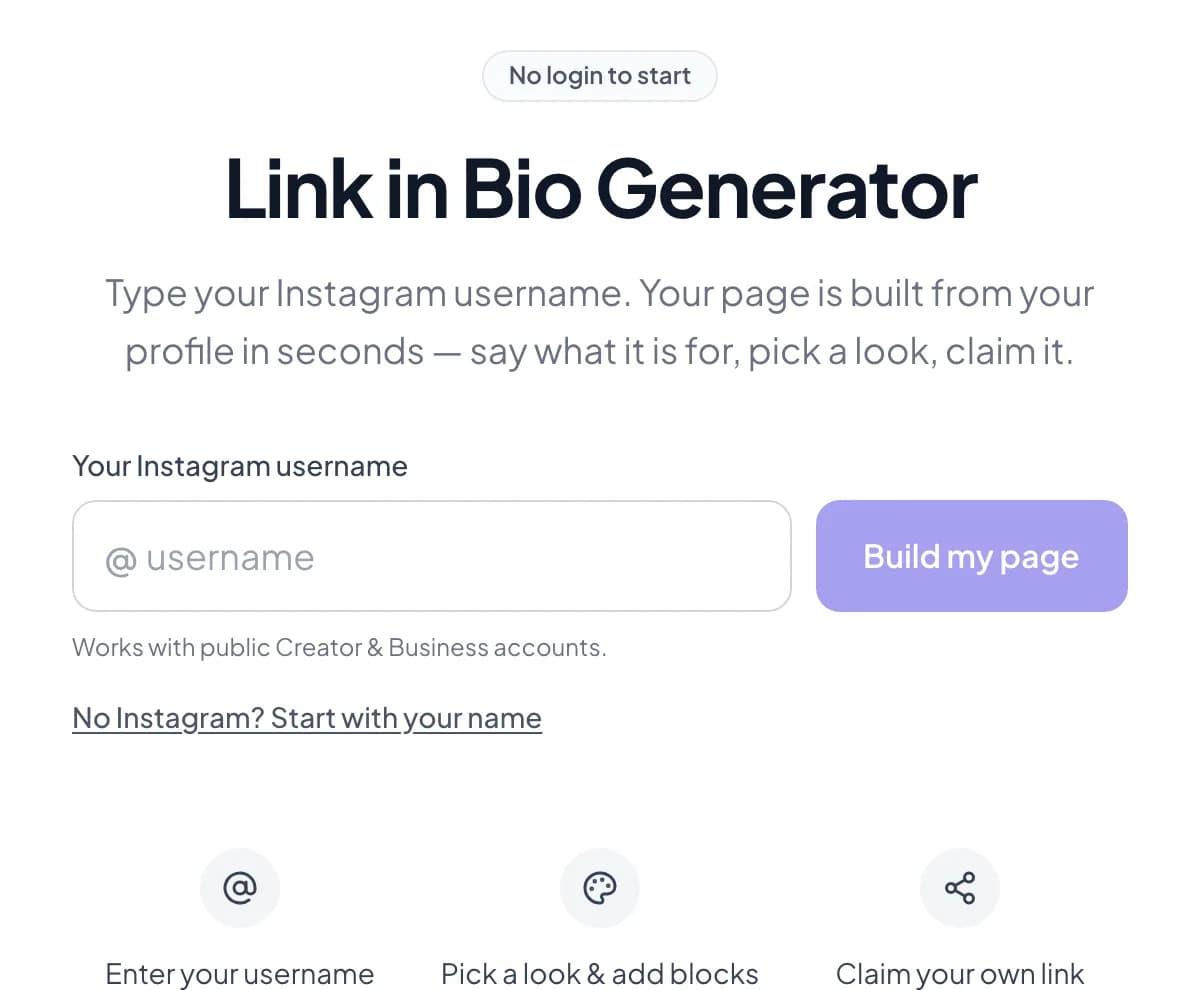
- 01Day 1 · Get your links. Pick 2–3 products you use on camera. Search "[brand] affiliate program", or join Amazon or TikTok Shop.
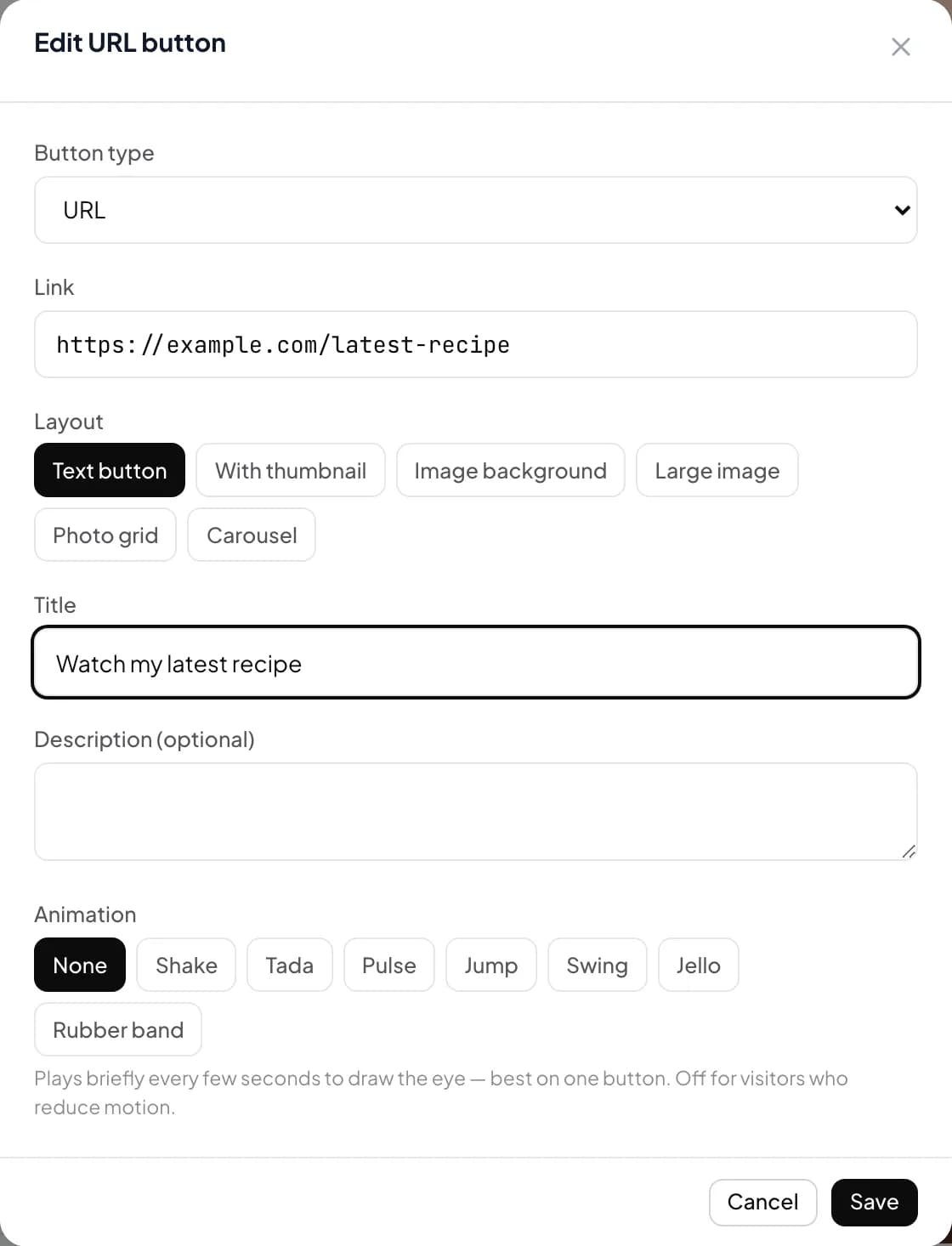
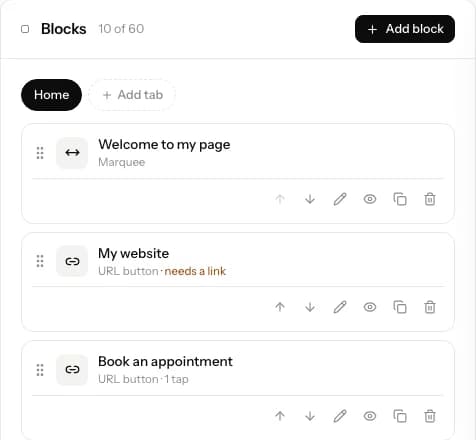
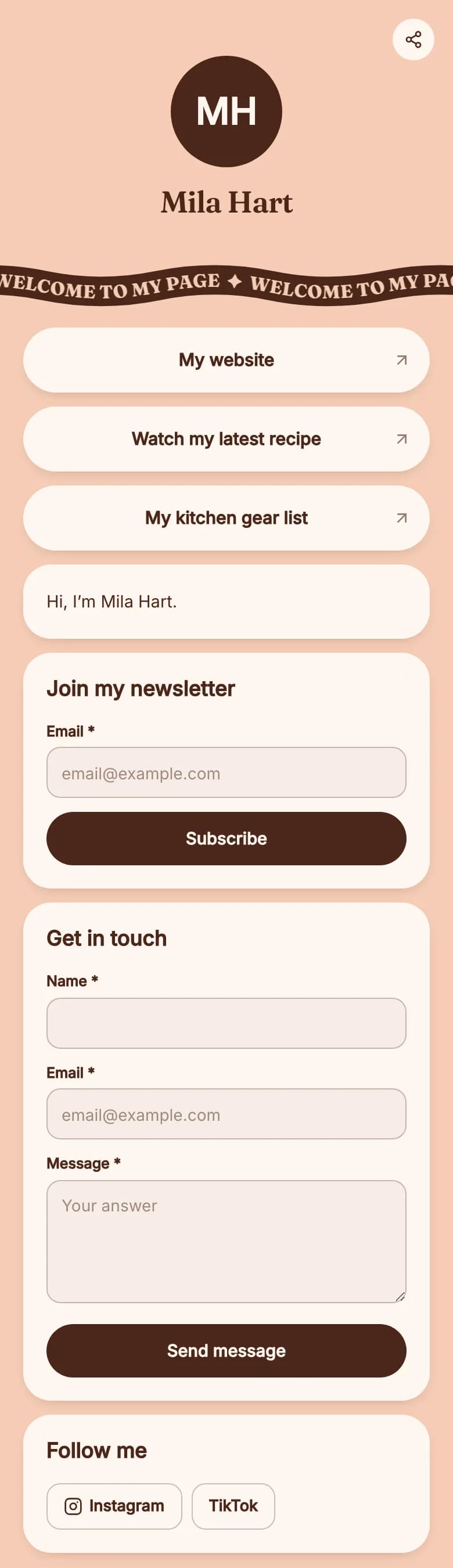
- 02Day 1 · One page, clear names. One button per product, named the way you say it: "The bands I use daily", not "Shop".
- 03Days 1–7 · Say exactly where. "It's the first link in my bio." Put #ad in the caption, not at the end.
- 04Day 7 · Check taps and sales. Taps show interest, sales show money. One week is a first read; judge over a few weeks.
What the result tells you
| You see | Do this |
|---|---|
| A link sells | Make three more videos about it |
| Lots of taps, no sales | Swap the product |
| Brands use your contact form | Reply and ask about their budget |
Keep the page in your bio. Old videos keep sending people to it, even on days you don't post.
Ask ChatGPT for ideas
Copy the address from KitVerify Settings → ChatGPT, add it in ChatGPT Settings → Apps, sign in, then ask:
Prompt
Which links on my page got the most taps this month, and what should I sell next?
It reads your real taps per link and can reorder your page. It does not see your sales.
Related questions
How do beginners make money on Instagram?
Start with affiliate links for products you already use. Brand deals, your own products and UGC come next.
Where do I put affiliate links on Instagram?
On one link in bio page linked from your profile, with one clear button per product. Then say in each video which button to tap.
Do I have to label affiliate links?
Yes. The FTC asks for a clear disclosure like #ad that people can't miss, not buried in hashtags or at the end of a caption (FTC).
Sources
- FTC, Disclosures 101 for Social Media Influencers, disclose clearly; not only on a profile, at the end, or mixed into hashtags · read 23 Nov 2026
- Amazon Associates Help, What are tracking IDs, tracking IDs to see the performance of individual links · read 23 Nov 2026
KitVerify
Build your link in bio page.
Type your username, add one button per product, see the taps on each. Goes live on the Link in Bio plan (US$3.99/month).
About the author
Dennis Tjahyadi · Founder, KitVerify
KitVerify is being built around the workflows of talent managers and creator agencies. This blog documents what we are learning about how those teams organize, maintain and pitch their talent — from product research, conversations with managers, and observing real workflows, not from having managed talent ourselves.
How KitVerify sources and labels every number it shows: methodology.
Related reading
- Link in BioHow to Create an Instagram Link in Bio That Looks ProfessionalInstagram gives you up to five links in the app. A link in bio page gives you one link that opens everything. Here is one built step by step, from theme to QR code.
- Media KitsInfluencer Portfolio Website: One Link With Your Kit, Rates and WorkA brand decides in one visit. Here is a filled portfolio for a demo creator: media kit, rate card and link in bio page, and where each number on it comes from.
- Link in BioCreate a Website Without Coding: A One-Page Creator Site in 6 StepsMost creators need one page, not a ten-page site. Here is one built without code, from username to published page.