Influencer Portfolio Website: One Link With Your Kit, Rates and Work
A brand decides in one visit. Here is a filled portfolio for a demo creator: media kit, rate card and link in bio page, and where each number on it comes from.
Example: Ryan Cole, a demo creator with sample numbers. Three linked pages: media kit, rate card and link in bio.
1. Who are you, and how big?


- Connected account: a Synced pill, plus reach, views and audience.
- Username lookup: followers, engagement and recent posts. No Synced pill, no views.
- Typed by you: shown as your own entry.
Nothing is estimated. A number the platform doesn't return is left off.
2. Are your followers my customers?

3. What does your work look like?
Recent posts come from your profile. Add up to three past brand deals, each with a result you can back up. No paid work yet? Leave them off.

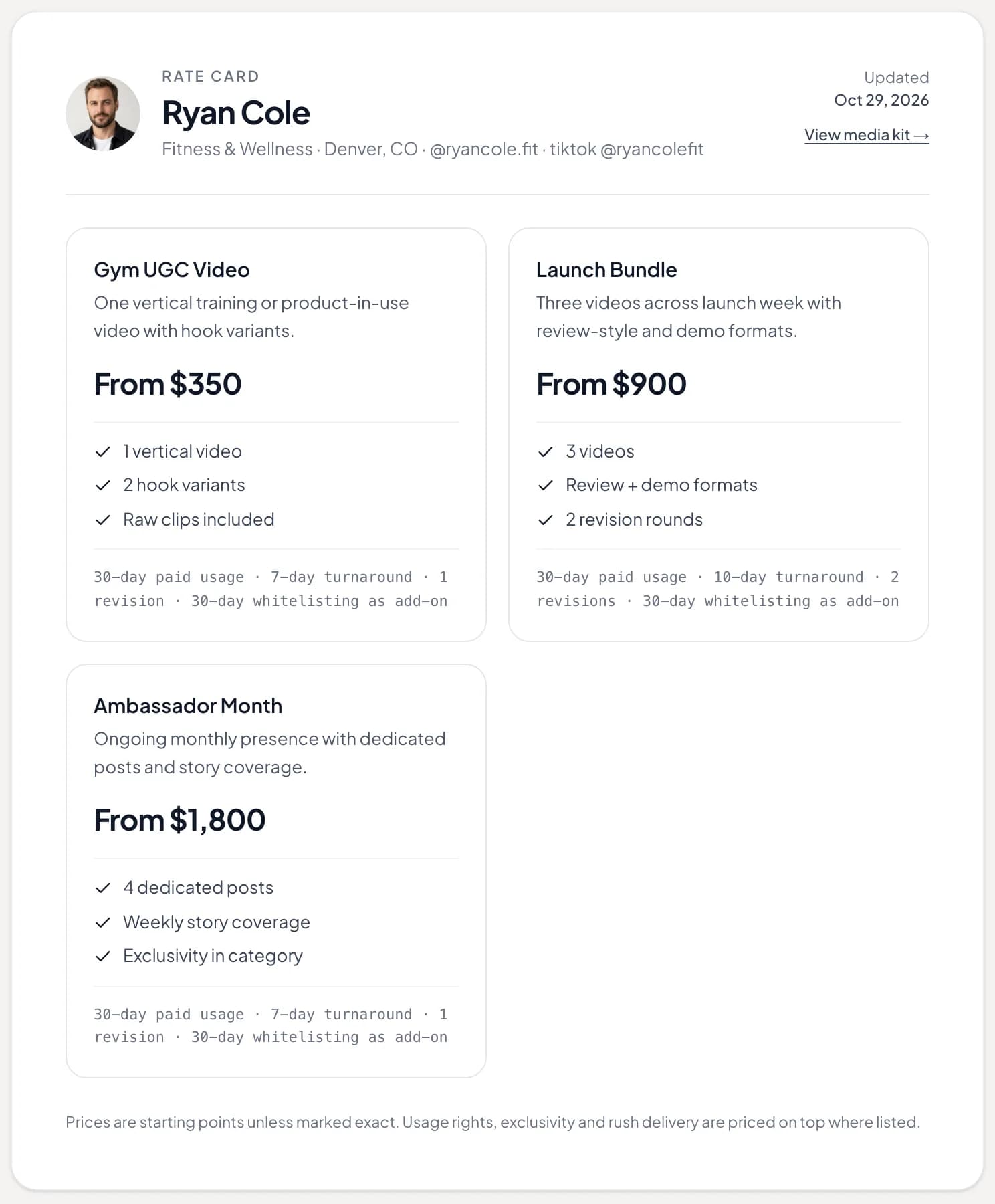
4. What does it cost?
Prices are optional. Show "From" prices to filter out small budgets, or hide them and quote each brand. See the rate card guide.

5. How do I reach you?
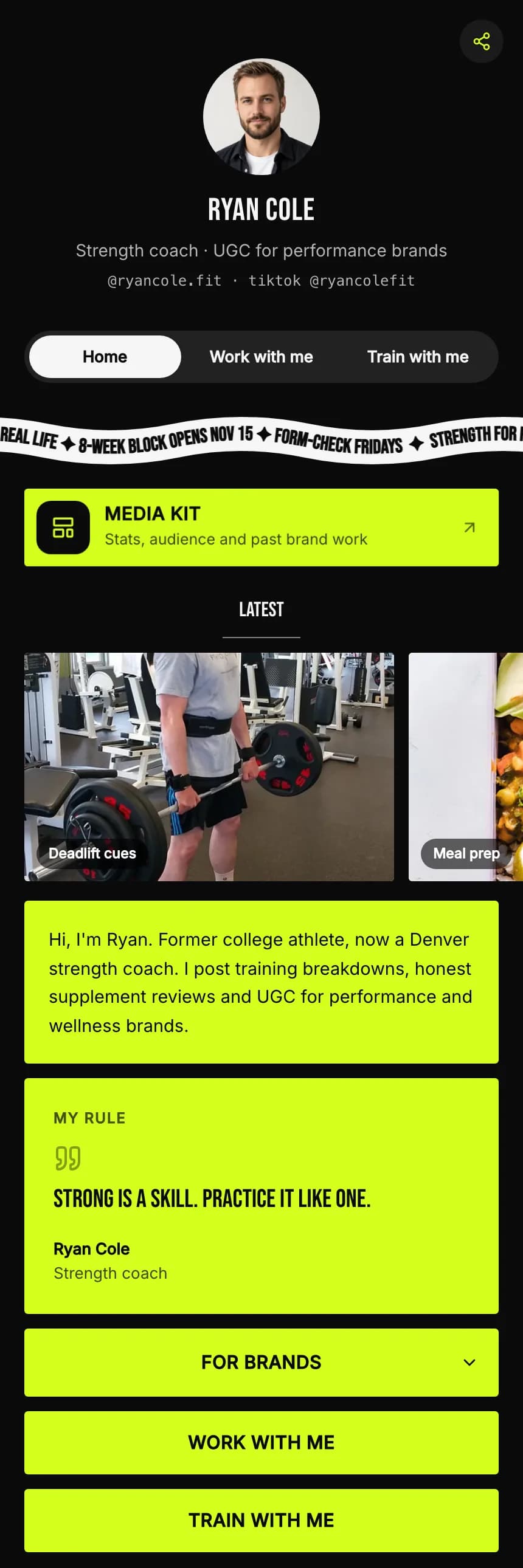
Building the page: how to create an Instagram link in bio.
Start from your username
Paste your handle into the media kit generator. Numbers and recent posts fill in from your public profile (Creator or Business account). The link works right away for 30 days; to keep it live, sign up for the Creator plan (US$8.99/month).

Send it: a short pitch
Pitch email
Replace the brackets. One link, no attachments.
Subject: [Your name] x [Brand]: [content idea in five words]
Hi [first name],
I make [what you make] for [who your audience is]. I'd love to [specific idea] for [product].
My numbers, audience, past work and packages: [your media kit link]
[Your name]
Related questions
What is an influencer portfolio website?
One link that shows a brand who you are, your numbers and audience, your best work, your rates if you share them, and how to reach you.
Do I need a website as an influencer?
Not for brand deals. A hosted media kit answers what brands ask. Build a full website only if you also need a blog or a shop.
Should I put my rates on my portfolio?
Your choice. Public "From" prices filter budgets; private prices leave room to negotiate.
Can I make a portfolio with no brand deals yet?
Yes. Let your recent posts and a clear one-line pitch do the work, and add past deals later.
KitVerify
Build your portfolio from your Instagram handle.
Paste your handle. Your numbers and recent posts fill in; add the rest and share one link with brands.
About the author
Dennis Tjahyadi · Founder, KitVerify
KitVerify is being built around the workflows of talent managers and creator agencies. This blog documents what we are learning about how those teams organize, maintain and pitch their talent — from product research, conversations with managers, and observing real workflows, not from having managed talent ourselves.
How KitVerify sources and labels every number it shows: methodology.
Related reading
- Media KitsInfluencer Media Kit Examples: What Each Section Looks Like on a Real KitNot templates, but examples. The sections of an influencer media kit as they render on a live kit, one clearly labeled demo you can open, and the shape to copy at every follower size.
- Rates & MetricsInfluencer Rate Card: What Goes on It, With a Filled ExampleA rate card lists what you charge per deliverable and what costs extra. Here is a filled one, how each line is priced, and the rule for which prices brands see and which stay private.
- Link in BioHow to Create an Instagram Link in Bio That Looks ProfessionalInstagram gives you up to five links in the app. A link in bio page gives you one link that opens everything. Here is one built step by step, from theme to QR code.
- Link in BioCreate a Website Without Coding: A One-Page Creator Site in 6 StepsMost creators need one page, not a ten-page site. Here is one built without code, from username to published page.